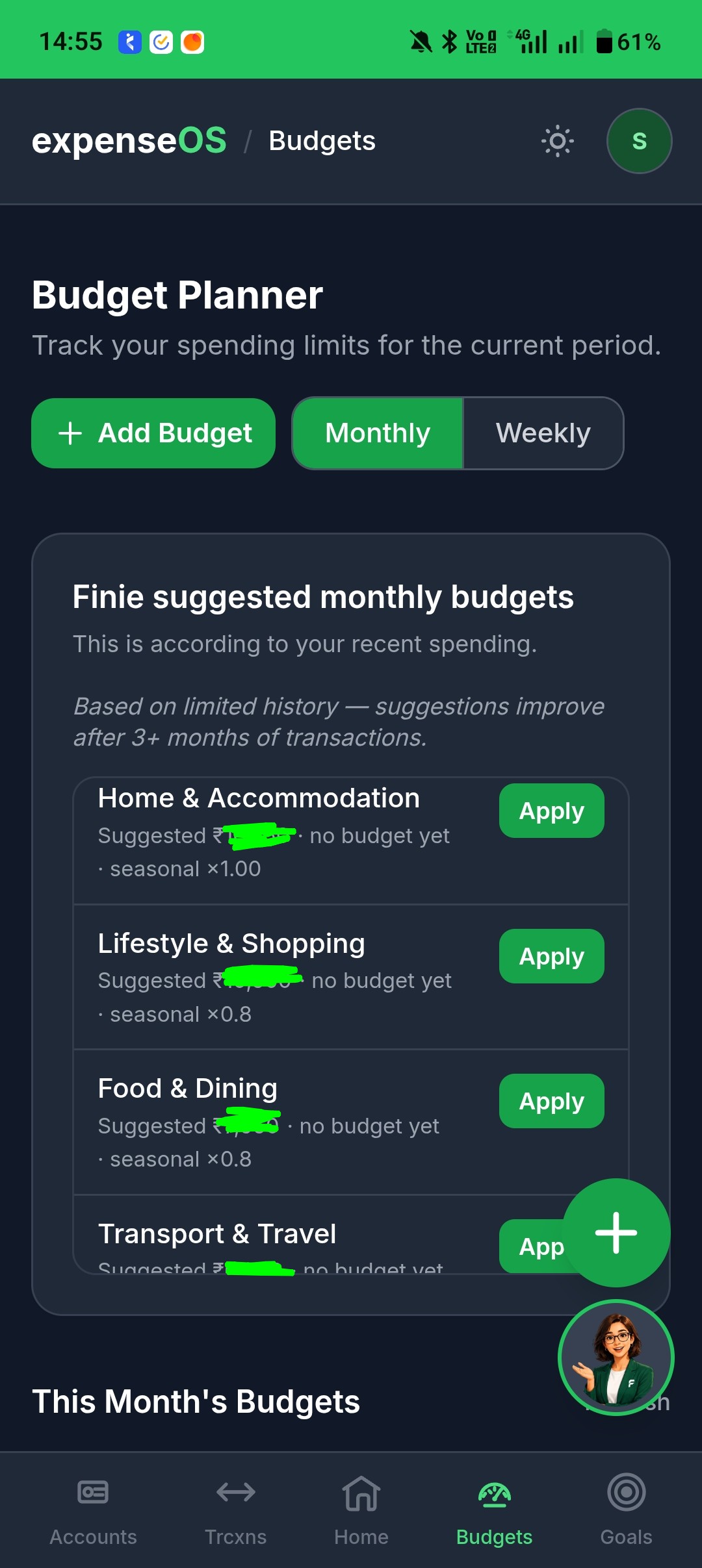
Budgets And Envelopes
Category budgets vs named envelopes — what's the same, what's different, and how to use both on the Budgets page.
Written by Sumiet · Updated
Most people open Budgets and wonder: “Do I need the budgets, the envelopes, or both?” You can use either, or both. They answer different questions.
Three layers (Accounts | Budgets | Envelopes )
When you log an expense, three things can be involved:
| Layer | Question it answers | Example |
|---|---|---|
| Account | Where did the money sit? | HDFC, Cash, Paytm |
| Category budget | How much did I plan for this type of spend? | Food — ₹10,000 this month |
| Envelope | Which named pile am I spending from? | Groceries — ₹5,000 allocated |
Your account balance always updates when you save a transaction. Budgets and envelopes are the plan on top — they do not move money between bank accounts.
💡 Neither a budget nor an envelope is a bank account. Allocating ₹5,000 to an envelope does not withdraw ₹5,000 from HDFC.
Budgets vs Envelopes
| Category budget | Envelope | |
|---|---|---|
| What it is | A limit for one category | A named pile you fund yourself |
| What counts toward spent | Every expense in that category | Only expenses you tag with that envelope |
| Do you pick it on each expense? | No — automatic | Optional — you choose in the form |
| Move money between them? | No | Yes — Move money on envelope cards |
| Name vs category | Always tied to a category | Independent — “Holiday” can sit on a Food expense |
| Income / transfers | N/A | Cannot use an envelope |
Short version: a budget is a speed limit by category. An envelope is a cash-stuffing pile with a label — spent only rises when you say “this expense came from this pile.”
What they have in common
| Category budget | Envelope | |
|---|---|---|
| Where you manage it | Budgets | Budgets --> Envelopes |
| Time period | Monthly or weekly | Each envelope has its own start/end dates |
| What you see | Limit, spent, remaining | Allocated, spent, remaining |
| Moves account money? | No | No |
| If you go over | Meter turns red — save still works | Meter turns red — save still works |
| Finie aware? | Yes | Yes |
A quick example
- You set Food budget to ₹10,000 and a Groceries envelope to ₹5,000.
- You buy ₹800 groceries on HDFC, category Food, envelope Groceries.
- HDFC balance drops ₹800.
- Food budget spent +₹800 (automatic).
- Groceries envelope spent +₹800 (because you tagged it).
- Same shop, same category, no envelope on the row:
- Food budget still +₹800.
- Groceries envelope unchanged.
You can run budgets only, envelopes only, or both.
When to use which
-
Category budget — “Am I overspending on Food / Transport / Entertainment this month?” Good default for most people.
-
Envelope — “I set aside ₹5,000 for groceries and I want to see that pile shrink.” Good for zero-based planning, sinking funds (travel, gifts), or splitting one category into named pots.
How to set them up
Category budgets
- Tap Budgets in the bottom nav.
- Review the meters per category.
- Tap Adjust on a card, or run Add Budget (wizard) to set limits.
Envelopes
- On the same Budgets page, open Envelopes (below the meters).
- Tap Add envelope — name it (e.g. Groceries, Holiday fund).
- Set Allocated for the period. Remember: this labels money in your plan; it does not move bank balances.
- When you add an expense, pick the envelope (optional). Category stays required.
- Use Move money to shift allocated funds between envelopes mid-month.
- Turn on Roll over leftover if unused allocated cash should start the next period.
With Finie
Say: “I spent ₹200 on coffee from the Groceries envelope” — confirm the envelope on the proposal card — then ask: “What’s left in Groceries?”
Pro can suggest adaptive category limits and envelope rebalance moves. You always Apply or ignore; nothing moves until you confirm.
💡 Overspend is a signal, not a lock. Fix the plan, move money between envelopes, or adjust the spend — not your personality.
App Screenshot