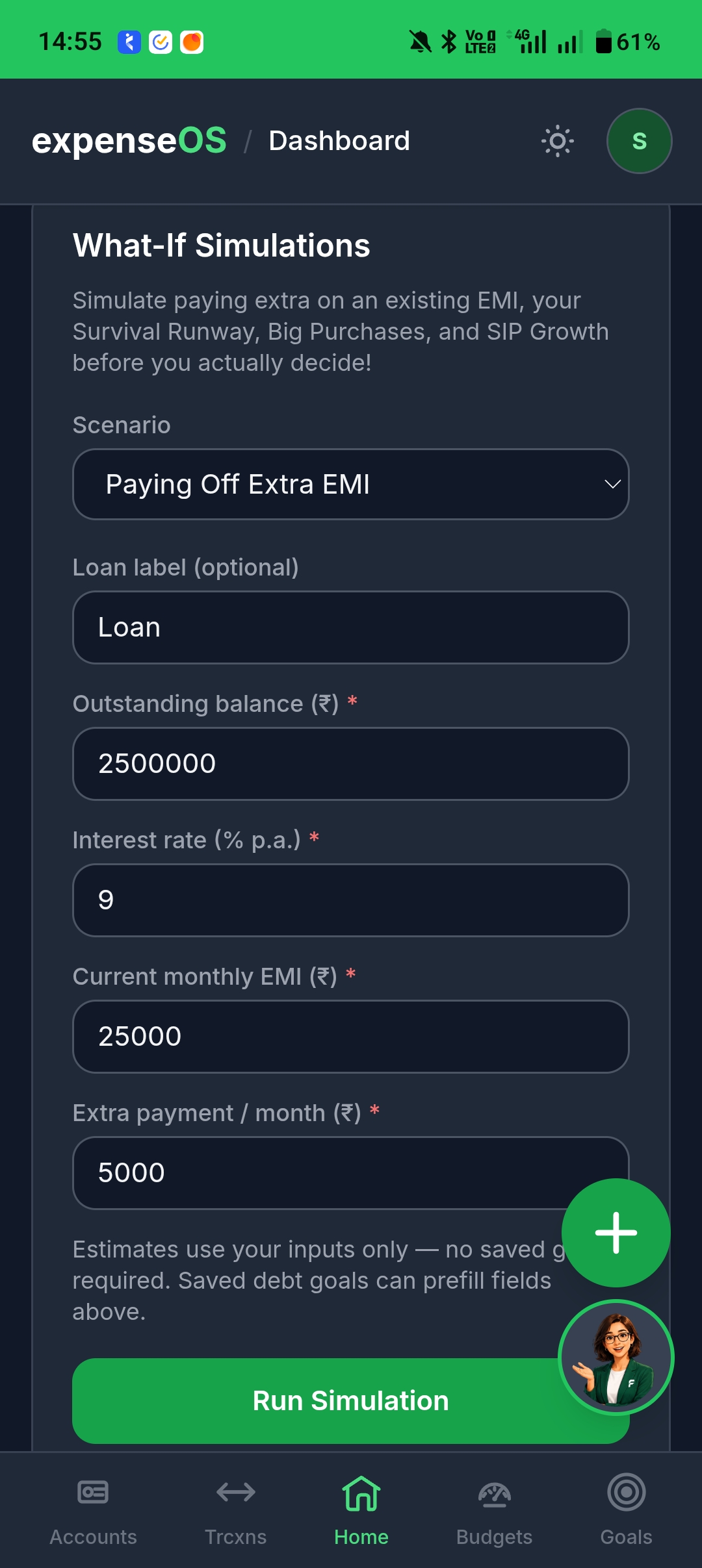
What-if simulator
Job pause, big purchase, extra EMI payoff — see the dent in your cashflow before you poke real money.
Written by Sumiet · Updated
Quick answer: Pro: open the dashboard what-if card, pick a scenario (extra EMI, job loss, a purchase), read the model. It is a projection, not a prophecy.
Pro: poke the future without poking your actual money.
- Open the dashboard.
- Find the what-if / simulation card.
- Pick extra EMI, job loss, a big purchase, and investment scenarios.
- Read the result. It is a model, not a prophecy.
Locked on Free? Upgrade from Pricing.
App Screenshot